Android 17 Features Explained: Top New Features, AI Enhancements, and Pixel Improvements
Android 17 brings a significant upgrade to Pixel devices with smarter AI experiences, enhanced multitasking, stronger privacy protections, improved battery management, and a refined user interface. This update focuses on making Android more intelligent, secure, and productive for everyday users.

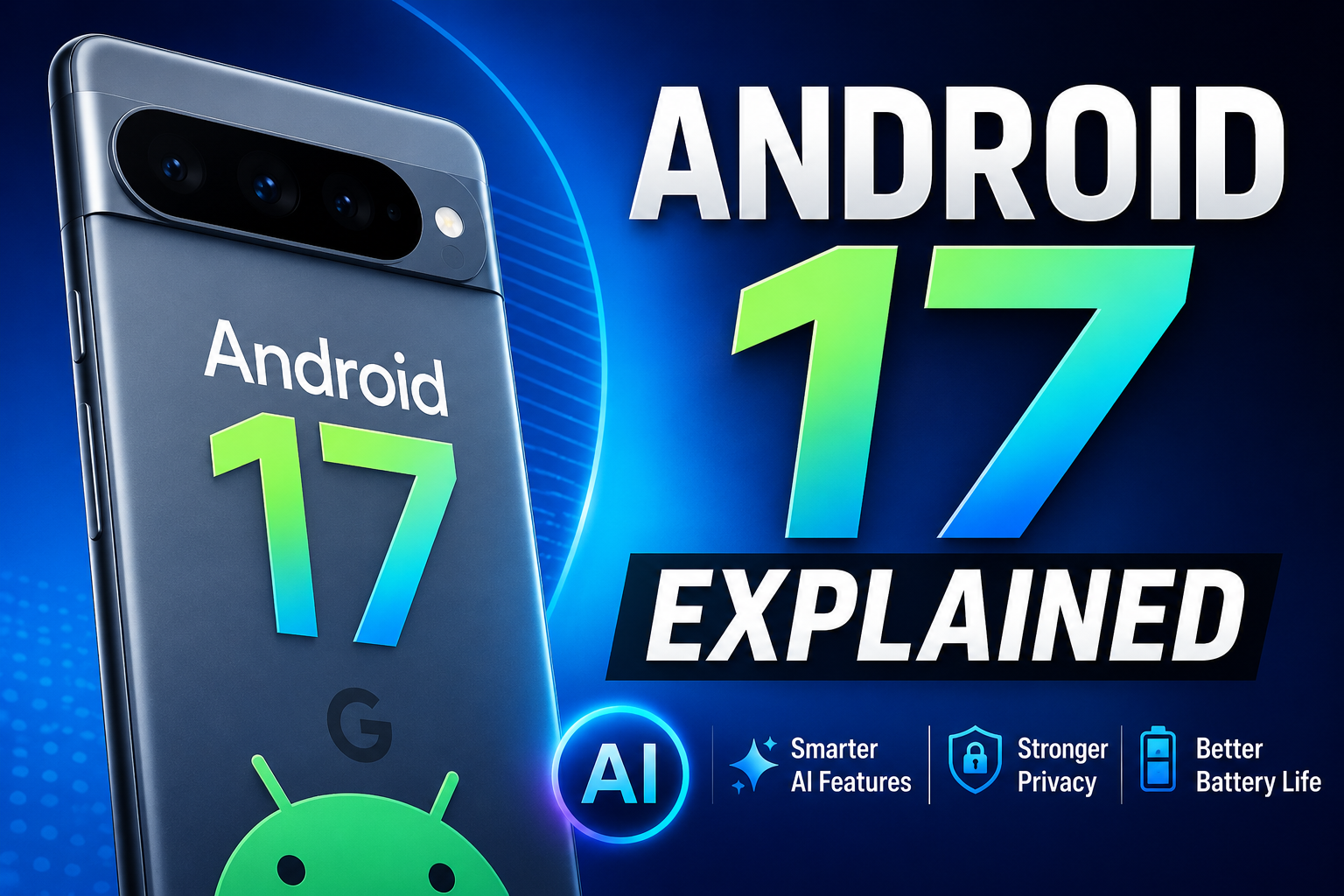
Android 17 Features Explained: Everything New for Pixel Users
Google has officially rolled out Android 17, bringing a collection of improvements aimed at making Pixel devices smarter, more secure, and more productive. While previous Android updates focused heavily on visual changes, Android 17 takes a more practical approach by enhancing artificial intelligence capabilities, multitasking, privacy controls, battery efficiency, and overall user experience.
For Pixel users, Android 17 is one of the most meaningful updates in recent years because it strengthens the integration between Google's AI ecosystem and the Android operating system.
In this article, we'll explore everything new in Android 17, including the features that matter most to everyday users.
Key Takeaways
Smarter AI-powered assistance across the system.
Improved multitasking for large-screen devices.
Enhanced privacy and security controls.
Better battery optimization and power management.
Faster performance and smoother animations.
Expanded support for foldables and tablets.
Improved notification and app management.
Android 17 Focuses on Intelligence Rather Than Redesign
Unlike major UI redesigns seen in some previous Android releases, Android 17 emphasizes intelligent functionality.
Google's goal is to make smartphones more proactive and context-aware. Instead of simply reacting to user commands, Android 17 introduces features that anticipate needs and streamline everyday tasks.
This direction aligns with Google's broader strategy of integrating AI deeply into consumer products.
Smarter AI Integration Across Android
One of the biggest highlights of Android 17 is the expansion of AI-powered experiences.
Google has improved the operating system's ability to understand user context and provide relevant suggestions throughout the day.
Examples include:
Smarter app recommendations.
Context-aware shortcuts.
Improved voice interactions.
Faster content summarization.
Better predictive actions.
Pixel users will notice that common tasks require fewer taps, making daily interactions more efficient.
Enhanced Gemini AI Experience
Android 17 further strengthens Gemini's role within the Android ecosystem.
The AI assistant can now interact with more parts of the system and help users perform actions more naturally.
Potential use cases include:
Productivity
Drafting messages.
Summarizing long emails.
Creating reminders.
Managing schedules.
Content Assistance
Summarizing articles.
Generating quick notes.
Organizing information.
Device Control
Adjusting settings.
Launching applications.
Managing notifications.
This tighter integration transforms Android into a more intelligent personal assistant rather than a traditional mobile operating system.
Improved Multitasking Features
Android 17 introduces several multitasking enhancements, particularly for foldable phones and tablets.
Users can now:
Resize apps more smoothly.
Switch between apps faster.
Manage split-screen layouts more efficiently.
Use larger displays more effectively.
These improvements help Android compete more aggressively in the growing productivity-focused mobile market.
Better Notification Management
Notifications have received meaningful refinements.
Android 17 focuses on reducing clutter and improving organization.
New capabilities include:
Smarter Grouping
Related notifications are grouped more intelligently.
Priority Filtering
Important alerts receive better visibility.
Reduced Notification Fatigue
Less important notifications become less intrusive.
For users who receive large volumes of alerts throughout the day, these improvements can significantly enhance usability.
Stronger Privacy and Security Features
Privacy remains a major focus in Android 17.
Google has introduced additional controls that help users better understand how apps access data.
Enhancements include:
Permission Transparency
Users can more easily see which apps access:
Location
Camera
Microphone
Contacts
Files
Background Activity Controls
Android 17 offers greater visibility into background app behavior.
Security Improvements
Additional protections help defend against:
Malware
Unauthorized app access
Suspicious background activity
These updates strengthen Android's reputation as a secure mobile platform.
Battery Life Improvements
Battery optimization is another area where Android 17 delivers practical benefits.
Google has improved:
Background process management.
Resource allocation.
App power consumption.
Charging efficiency.
Users may notice:
Longer screen-on time.
Reduced battery drain.
Better standby performance.
While actual results depend on device usage patterns, many Pixel users should experience improved battery efficiency.
Performance Enhancements
Android 17 also includes under-the-hood optimizations.
Benefits include:
Faster App Launches
Applications open more quickly and respond more smoothly.
Reduced System Lag
Animations and transitions feel more fluid.
Better Memory Management
Improved RAM utilization allows devices to handle multiple applications more effectively.
Improved Gaming Experience
Gamers may benefit from better resource allocation and thermal management.
Better Foldable and Tablet Support
Google continues investing in large-screen Android devices.
Android 17 introduces refinements specifically designed for:
Foldable smartphones.
Android tablets.
Dual-screen devices.
These improvements make Android more adaptable to evolving hardware form factors.
Accessibility Improvements
Accessibility receives important updates in Android 17.
Enhancements include:
Improved screen reader support.
Better voice commands.
Enhanced magnification tools.
Easier navigation options.
These changes help create a more inclusive experience for all users.
Supported Pixel Devices
Android 17 availability varies depending on device generation.
Recent Pixel models are expected to receive full support, including:
Pixel 9 Series
Pixel 8 Series
Pixel Fold
Pixel Tablet
Eligible future Pixel devices
Support may differ by region and rollout schedule.
Should Pixel Users Upgrade?
For most users, the answer is yes.
Android 17 delivers meaningful improvements without drastically changing the familiar Android experience.
The update focuses on:
Smarter AI capabilities.
Better battery life.
Improved security.
Enhanced multitasking.
Greater productivity.
Whether you're a casual user, professional, student, or mobile enthusiast, Android 17 provides several practical benefits that improve everyday smartphone usage.
Future Outlook
Android's future is increasingly tied to artificial intelligence.
Android 17 represents another step toward AI-driven mobile experiences where devices can understand context, automate routine tasks, and provide proactive assistance.
As Google's Gemini ecosystem continues evolving, future Android versions will likely offer even deeper AI integration across smartphones, tablets, wearables, and connected devices.
For Pixel users, Android 17 serves as the foundation for that next generation of intelligent computing.
Conclusion
Android 17 may not be the most visually dramatic Android update, but it is one of the smartest. By combining AI-powered functionality, stronger privacy protections, enhanced multitasking, and improved battery efficiency, Google has created an update that focuses on real-world usability rather than cosmetic changes.
Pixel users upgrading to Android 17 can expect a faster, smarter, and more capable smartphone experience that better aligns with the future of mobile computing.
13. FAQs
1. What is Android 17?
Android 17 is Google's latest mobile operating system update featuring AI enhancements, security improvements, multitasking upgrades, and performance optimizations.
2. Which Pixel phones support Android 17?
Recent Pixel devices, including Pixel 8, Pixel 9, Pixel Fold, and Pixel Tablet models, are expected to support Android 17.
3. What are the biggest Android 17 features?
Key features include improved Gemini AI integration, better multitasking, stronger privacy controls, enhanced battery optimization, and improved notifications.
4. Does Android 17 improve battery life?
Yes. Android 17 introduces better power management and background process optimization to improve battery efficiency.
5. Is Android 17 focused on AI?
Yes. AI is one of the core themes of Android 17, with deeper Gemini integration and smarter contextual assistance.
6. Does Android 17 improve security?
Android 17 includes enhanced permissions management, stronger malware protections, and better privacy transparency.
7. Are there multitasking improvements in Android 17?
Yes. Android 17 improves split-screen functionality, app switching, and productivity features, especially for foldables and tablets.
8. Should I install Android 17 immediately?
Most users should upgrade, especially if they want the latest security updates, AI features, and performance enhancements.